Five Ecotect Functions that Need to Be Migrated to Revit
Eight years ago, Autodesk made a bold and decisive move toward prioritizing sustainable design tools when it acquired the assets of Square One Research, including their design performance modeling software Ecotect.
To that point in time, Dr. Andrew Marsh had incrementally built the Ecotect platform into a light, versatile energy analysis tool. Its playful graphic outputs and high degree of interoperability made it a favorite platform among the energy modeling community—especially visually-oriented design professionals.
Autodesk promptly re-branded the platform as Ecotect Analysis, adjusted the licensing and pricing framework for the software, and re-released it. At the time, I had high hopes that Autodesk would regularly update Ecotect, possibly designing it as a seamless plug-in with Revit.
Instead, Autodesk decided to migrate certain functionality from Ecotect to the Revit-based building analysis beta program known as Project Vasari. While a new platform was not ideal in my opinion, I was excited by the potential of Project Vasari (see Why Autodesk Killed Ecotect).
Project Vasari introduced several great tools to the Autodesk community, including an amazingly intuitive wind tunnel simulator—now available as the stand-alone program Flow Design.
Over the next few years, Autodesk continued to migrate functionality from Ecotect to Vasari. I eagerly awaited the day that some of my favorite Ecotect tools would make the jump to Vasari—and eventually to Revit and/or FormIt 360 via plug-ins and interoperable platforms such as Insight 360.
Then in March of last year, Autodesk announced that it would discontinue support of Ecotect Analysis. This meant that purchasing future licenses and obtaining technical support would be discontinued. Software downloads would be unavailable. Moreover, the Vasari public beta period was allowed to expire two months later. It felt like a double whammy.
On the Ecotect Analysis homepage, it does state that "Autodesk will integrate functionality similar to Ecotect Analysis into the Revit product family."
I have faith that this statement is more than just lip service. So, Autodesk, on behalf of the design performance modeling community—and as someone who has relied on Ecotect for nearly a decade—please strongly consider migrating the following five Ecotect functions to Revit as soon as possible.
Sun-Path Diagram
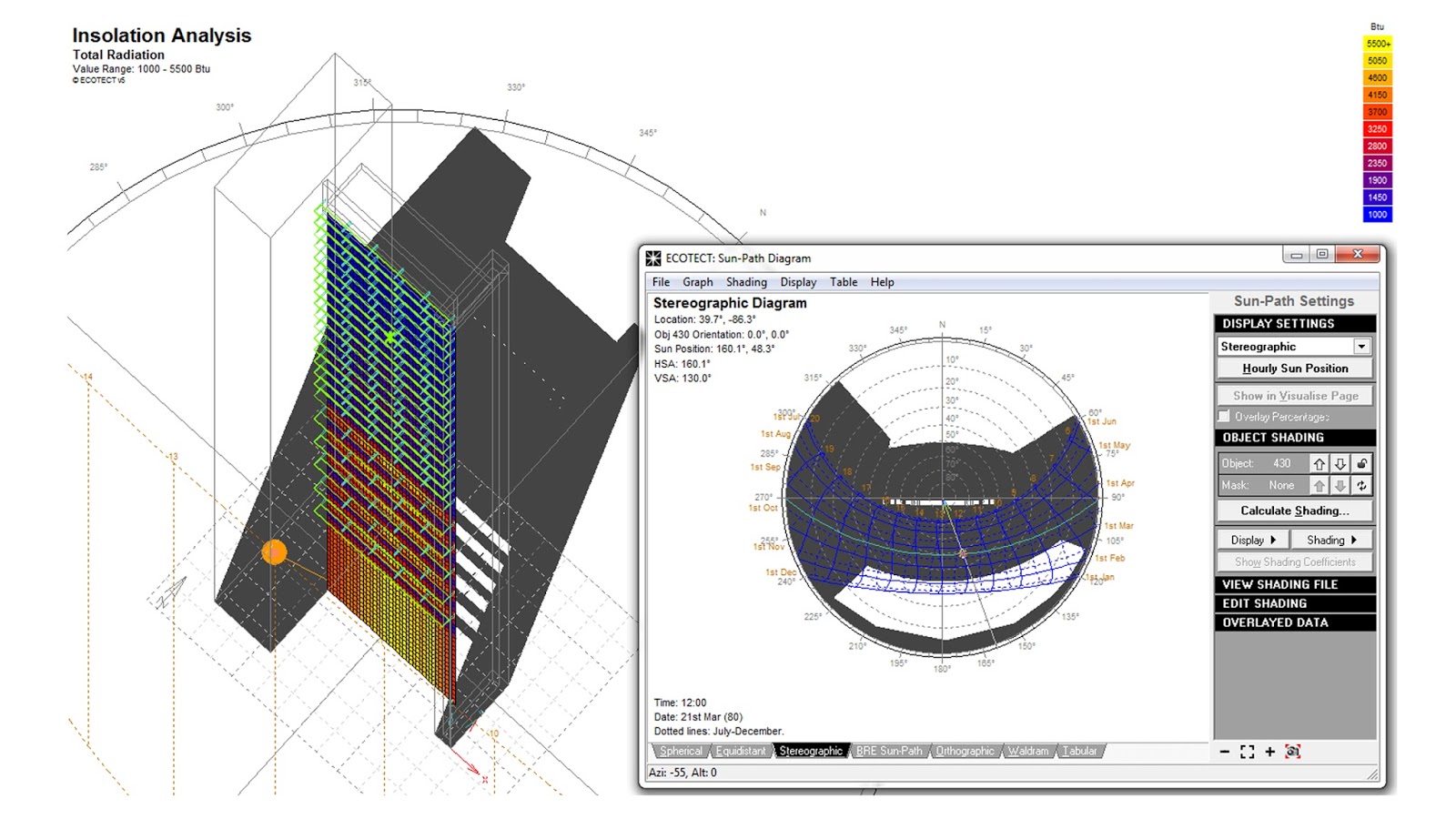
The stereographic sun-path diagram is an essential diagram for solar access analyses. By setting it to a point in space, a designer can use this single diagram to investigate and/or explain what time of the day/month/year the built and natural context will shield that specified point in space from direct solar exposure.
|
|
|
Ecotect Analysis was one of the few design performance modeling programs to feature a dynamic sun-path diagram visualization tool. |
Customizable Shadow Displays
Shading studies were always the bread-and-butter of Ecotect. What made Ecotect's shadow study capabilities superior to that of other software on the market was its customizable shadow displays. Users could set shadow colors by materials or zones. Time-stepped shadows could be overlaid at a specific time increment, creating a rich visual display that was easily explained to the untrained public. Time of day and day of year settings could be changed with one-click; daily and annual sun-paths could be toggled on and off; model section cuts were never literally interpreted by the shadow displays. If Revit could adopt these shadow setting customizations, many people would leave Ecotect in the dust.
|
|
|
Customizable shadow displays helped design teams effectively communicate solar access in and around a building project. |

Thermal Analysis Tools
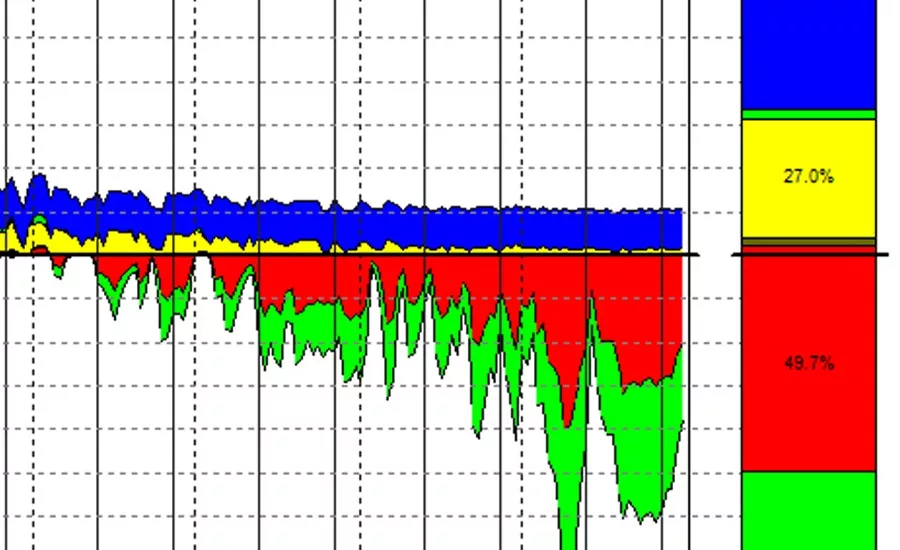
One of my personal favorite functions of Ecotect was its thermal analysis capabilities. Whether investigating the hourly temperature profile, monthly degree days, or the potential for thermal discomfort, Ecotect offered a versatile collection of thermal analysis functions. My personal favorite was the Passive Gains/Losses analysis for the building envelope. In a graphically-compelling manner, I could demonstrate the virtues of increased insulation, alternative glass types, and much more. If migrated to Revit, the Ecotect thermal analysis tools could easily lend themselves to making standard effective temperature (SET) profiles easily accessible to teams pursuing the LEED resilient design pilot credit IPpc100 – Passive Survivability and Functionality During Emergencies (for more on SET see Standard Effective Temperature (SET) and Thermal Comfort).
|
|
|
Ecotect Analysis offered simplified thermal analysis tools to help designers during conceptual and schematic design. Pictured here is a clip from an annual building envelope passive gains/losses simulation. |

Acoustic Analysis Tools
For all of the great design performance modeling tools in the marketplace today (see Building Performance Modeling Tools for Any Designer), few have taken up the mantel of acoustic analysis. In this regard, Ecotect was in select company. It featured a range of acoustic analysis functions, including acoustic ray tracing and statistical reverberation time calculations.
|
|
|
Ecotect Analysis was one of the most accessible acoustic analysis platforms within the building design community. Users could indicate the sound absorption properties of materials and investigate performance outcomes. |

Greater Interoperability
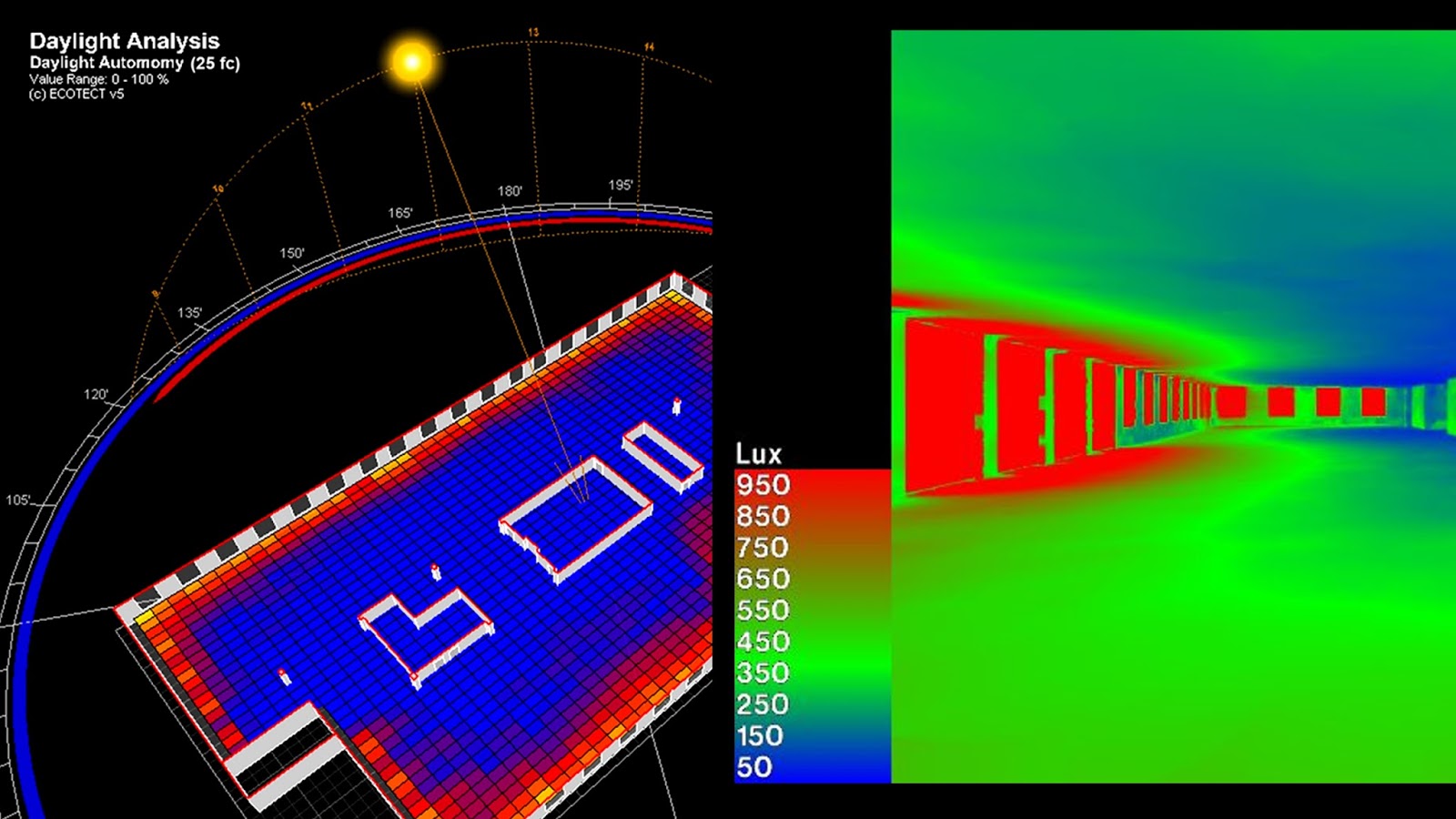
Ecotect played especially well with others. I would oftentimes use the software as a GUI front-end to access a range of third-party tools, including Radiance, Daysim, EnergyPlus, and eQuest. The software functioned well as a gbXML file editor. Ecotect also served as a convenient way to develop and send a model to Autodesk Green Building Studio. The platform exhibited unparalleled interoperability at the time it was developed. I counted no less than 17 different file export types.
|
|
|
Ecotect Analysis was interoperable with a wide range of third-party software programs, such as Radiance - one of the industry's most reputable daylight simulation programs. |